Summary: A better seatback screen, wireless headphones and aircraft internet are different systems. Singapore Airlines’ announced upgrade makes those distinctions useful: here is how to read the technical specifications and build a device plan without assuming a feature your cabin has not been promised.
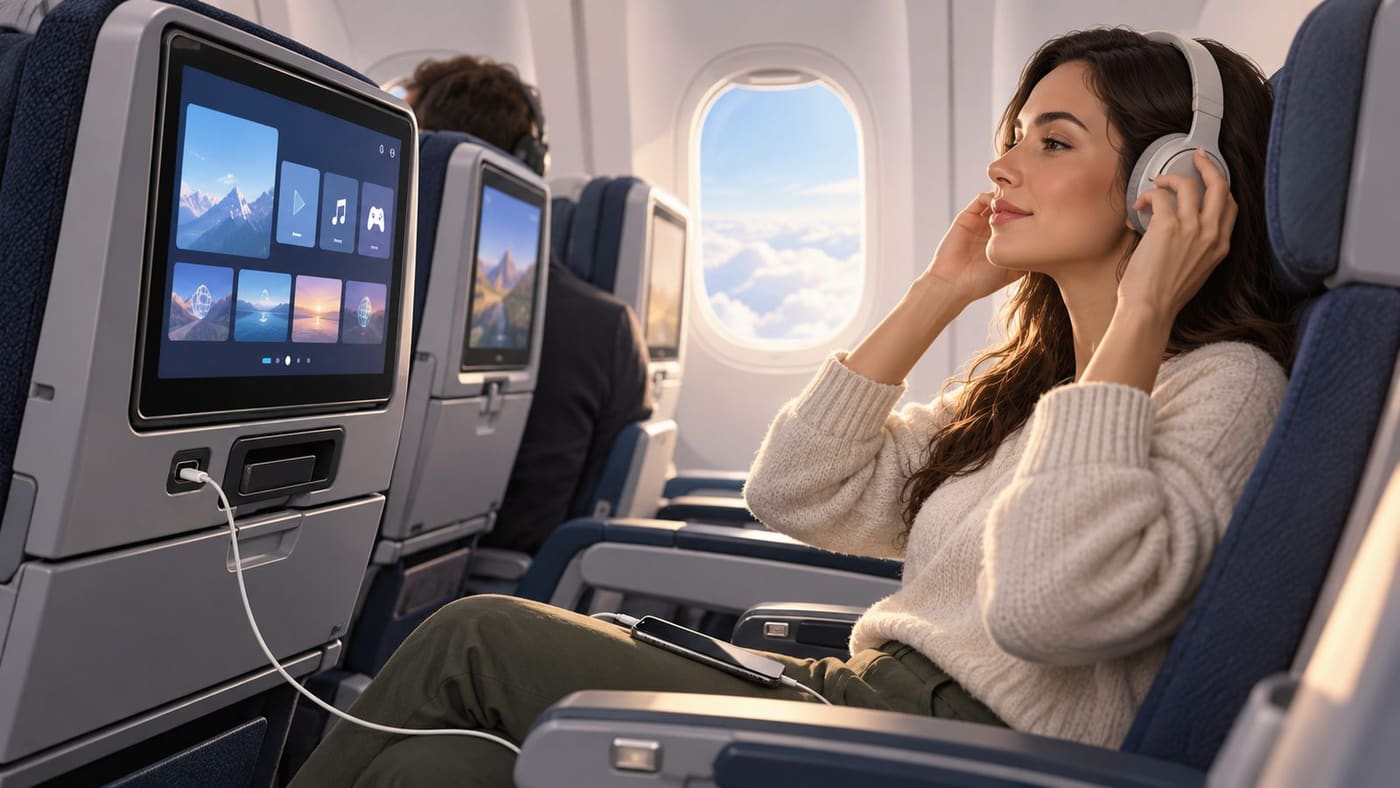
Research checked: 26 October 2026, Asia/Dhaka. This is an explanation of announced technology, not a hands-on review. No equipment was tested by this publication. The illustration is an original AI-generated conceptual cabin, not a photograph or an approved rendering of Singapore Airlines’ new seats.
The specification that changes the packing decision
Singapore Airlines’ 22 October 2026 announcement places its next KrisWorld on 41 retrofitted long-haul and ultra-long-range A350s entering service progressively from 2027, and upcoming 777-9s. Its annex limits A350 Bluetooth pairing to Business, plus First on the ULR. The 777-9 entry covers all cabins. That is the critical distinction for someone hoping to use wireless headphones.
The annex also lists A350 Business screens at 22 inches, ULR First at 32, and 777-9 First/Business at 32/20. The latter aircraft’s Premium Economy/Economy figures are up to 16/13 inches. A350 premium displays are identified as 4K OLED; the 777-9 has 4K across cabins, with selected Premium Economy/Economy installations using OLED. The A350 Economy screen size is not specified there.
The same release announces personalisation, revised menus and spatial audio, while treating Starlink as a separate progressive rollout from early 2027. Those statements are plans for designated aircraft, not confirmation of a particular flight’s equipment. Read the [official release and aircraft table](https://www.singaporeair.com/it_IT/it/corporate/newsroom/press-release/2026/oct-to-dec-2026/in_flight_entertainment_next_generation_KrisWorld/) for the precise scope.
Draw three boxes before comparing features
For a useful mental picture, draw three boxes on paper: seatback entertainment, personal device and outside connection. Put the film playing on the aircraft screen in the first. Put a downloaded podcast on your phone in the second. Put a message requiring internet access in the third. This is a planning model, not a diagram of SIA’s actual network architecture.
Now draw a headphone link from the first box to your ears. Draw another from your phone. Neither line, by itself, is an internet connection. A Bluetooth-capable seatback system can solve the headphone problem without solving the problem of sending an email. Conversely, available aircraft Wi-Fi does not establish that a seatback screen can pair with your earbuds. Buying one accessory because the aircraft advertises the other feature would answer the wrong question.
This simple separation is especially helpful when reading a headline containing both entertainment and connectivity. Ask which task you want to complete, which box performs it, and what link that task requires. You will then have a concrete question for the airline instead of asking whether a flight has the new technology, a phrase broad enough to produce an unhelpful answer.
A display has more than one measurement
A screen’s diagonal size describes its physical extent. Resolution describes the image’s pixel dimensions. Display technology is another attribute. None of these alone describes viewing distance, reflections, menu legibility or whether a particular programme provides subtitles in a language you need. It is possible to want a larger screen for one reason and clearer controls for another.
Consider an imaginary comparison between two displays, not an assessment of SIA equipment. One has a bigger diagonal but places small controls far from the viewer. The other is smaller but makes the controls easy to distinguish. A passenger who frequently changes audio tracks might prefer the second interface. Someone watching a film without touching the controls might value the larger picture. A single specification cannot resolve both preferences.
Nor does a display specification guarantee that every programme was produced at the panel’s maximum resolution. Content, playback and screen capability are separate questions. This article does not claim SIA uses a particular encoding method, bitrate or processing system: those details were not established from the announcement. Treat a screen specification as a hardware statement and ask a separate question about the content you actually want to watch.
When keeping notes, use separate columns for diagonal, resolution, panel type and controls. Leave a cell blank when the source is silent. Copying the neighbouring aircraft’s figure into an empty cell creates an invented specification, even if the aircraft belong to the same airline and the numbers look plausible.
Build a feature matrix with the aircraft included
A reliable comparison starts with a row for the exact combination you are considering: aircraft variant, cabin and generation of cabin equipment. A row labelled only A350 is too broad for the published table. A row labelled Economy without an aircraft is equally incomplete. The point is to prevent a feature from travelling across the table merely because it appears under the same airline logo.
Make four columns: what is explicitly stated, what is not stated, what you need, and your backup. For headphone pairing, the first column should contain the relevant cabin-specific statement. The second could contain unanswered compatibility questions. In the third write the name of your own headset rather than a general wish for good sound. In the fourth write the alternative you are prepared to use.
The backup column prevents an unanswered question from becoming a trip-wide problem. If you can comfortably use supplied audio equipment or your phone’s downloaded content, uncertainty about pairing is manageable. If a particular device is essential to an accessibility need, that uncertainty deserves a direct enquiry before travel. Do not treat an attractive promotional screen as evidence about an individual accommodation.
Keep the matrix short. Its purpose is not to reproduce an airline brochure. Three or four features you depend on will be more useful than a long inventory of features you will never use. Date the notes and retain the link that supports each important entry so you can distinguish an updated statement from an old screenshot.
Bluetooth support still leaves practical questions
Even where pairing is listed, prepare the headset you intend to use. Know how to put it into pairing mode and how to disconnect it from another device. These are device-specific operations; consult its own instructions rather than assuming every model uses the same button sequence. Do this before departure, when you can read the manual without relying on aircraft connectivity.
Imagine a traveller whose earbuds reconnect automatically to a phone while the traveller is trying to use a seatback screen. The practical question is which device currently controls the audio connection. Repeatedly increasing the screen volume would not answer it. This is an illustrative troubleshooting situation, not an observed fault in KrisWorld or a claim about which headset combinations SIA supports.
A sensible sequence is to check the intended audio source, follow the displayed pairing instructions, and verify the selected output. If the connection still fails, ask the crew about the available alternative. Avoid spending a large part of the journey experimenting with unsupported settings. The existence of wireless support does not make every troubleshooting path a good use of your time.
Also separate noise reduction from connectivity. A headphone can reduce surrounding sound while using a wired audio connection; a wireless connection does not by itself promise a particular level of noise reduction. For your own packing decision, write down the comfort and connection requirements independently. That makes it easier to evaluate the equipment you already have without buying something solely because an announcement uses several appealing technical terms together.
Interface quality is about completing a task
An entertainment menu is useful when it helps you do something specific. A practical evaluation might be finding a programme, checking its language options and returning to it after an interruption. Another might be moving from a film to journey information and back without losing your place. These tasks are more concrete than asking whether an interface feels modern.
For a future hands-on review, we would record the steps required for each task and distinguish a missing feature from a feature that is difficult to find. We would also identify the aircraft and cabin tested. That is a proposed evaluation method, not a claim that this publication has already conducted those tests. The distinction matters because photographs can show a menu’s appearance without demonstrating how it behaves.
A traveller can use the same approach informally. Decide what you need before exploring every category. If subtitles matter, check them early. If you intend to watch one episode and then sleep, choose a suitable stopping point. Your plan need not become a schedule for every minute: its purpose is to avoid discovering a missing requirement only after settling into a long programme.
Account convenience and a sensible sign-in routine
Personalisation introduces an account decision as well as an entertainment decision. Before signing in to any shared display, check that you understand the on-screen process and the account being requested. Do not hand your password to another passenger or ask someone nearby to complete the sign-in for you. If the process is unclear, use the available guest experience or ask staff for procedural help.
At the end of a session, use the available sign-out or clear-session control and inspect what remains visible. This is general account hygiene, not an assertion that the announced system retains credentials after a flight. We have not audited its authentication, data retention or automatic session clearing. Those technical guarantees should come from the operator’s documentation, not from an entertainment preview.
It is also reasonable to choose convenience selectively. You may want a saved programme position but have no need for other preferences. Read the options actually offered rather than assuming that every advertised personalisation capability must be used together. Account-based features are useful only if their benefit is worth the sign-in effort for your particular journey.
Internet readiness is different from entertainment readiness
Make an offline copy of anything that must remain accessible during travel: a presentation you are reviewing, a reading list or the instructions for your next connection. Test the copy before leaving by opening it without a network connection. A file that merely appears in a cloud application’s recent-items list may not be the same as a locally available copy.
For example, a traveller planning to review ten slides can download the document and keep written comments locally. Sending those comments can wait for a connection. Someone expected to join a live meeting cannot turn that meeting into an offline task so easily. The second traveller needs a different plan, such as arranging an alternative participant, rather than interpreting an aircraft internet announcement as an uptime commitment.
This distinction does not predict poor service. It identifies which activities tolerate interruption. Divide your intended work into tasks that can stop and resume, tasks that need occasional synchronisation, and tasks that require a continuous connection. Then move the last group away from a period in which you cannot independently control the connection. The same method is useful on a train or in an unfamiliar hotel.
Power planning starts with the device, not the port label
Make a small inventory: device, cable, required charger and how long you intend to use it. A connector’s shape does not establish every aspect of charging performance. The source reviewed here does not provide enough electrical detail to calculate how quickly your particular laptop would charge. Avoid converting the presence of a charging feature into an unsupported promise about charging time.
Charge essential devices before travelling and keep the appropriate cable accessible. If you plan to carry a battery pack, check the airline’s current battery rules directly before packing; this article does not prescribe a capacity limit or onboard usage permission. A technology preview is not a substitute for the carrier’s current safety instructions.
There is no need to buy equipment in anticipation of a feature that has not been confirmed for your flight. First establish what you already own, what it can do and what you will actually use. A functioning familiar cable is often more useful to your preparation than an unfamiliar accessory purchased because its description repeats the latest aviation technology headline.
Conclusion: ask a smaller, answerable question
The useful question is not simply whether an aircraft has new KrisWorld. It is whether your identified cabin supports the feature you depend on, what remains unspecified and what you can do if that feature is unavailable. Keep screen quality, headphone connection, account functions and outside internet access in separate parts of your plan.
For now, the published A350 and 777-9 distinctions deserve careful reading. They prevent an announced premium-cabin feature from becoming an imaginary promise to every passenger. A short dated matrix, a familiar headset and an offline copy of essential material provide a practical way to prepare while installation details develop.
Sources and research notes
- [Singapore Airlines, next-generation KrisWorld announcement and Annex A, 22 October 2026](https://www.singaporeair.com/it_IT/it/corporate/newsroom/press-release/2026/oct-to-dec-2026/in_flight_entertainment_next_generation_KrisWorld/), checked 26 October. The concise announcement summary above supplies the dated product facts; the examples and evaluation method are original editorial analysis.
- [Singapore Airlines, 2024 A350 retrofit programme](https://www.singaporeair.com/en_UK/lk/corporate/newsroom/press-release/2024/October-December/ne1124-241104/), checked for historical context. Its earlier forecast is not used as evidence that installations have already occurred.
No hands-on performance, aircraft availability, codec compatibility, privacy audit or internet speed measurement is claimed. This Technology article addresses specification interpretation; companion drafts about entertainment choices and booking decisions require separate review before publication. Illustration: original generated conceptual scene. Editor: Alex Morgan.