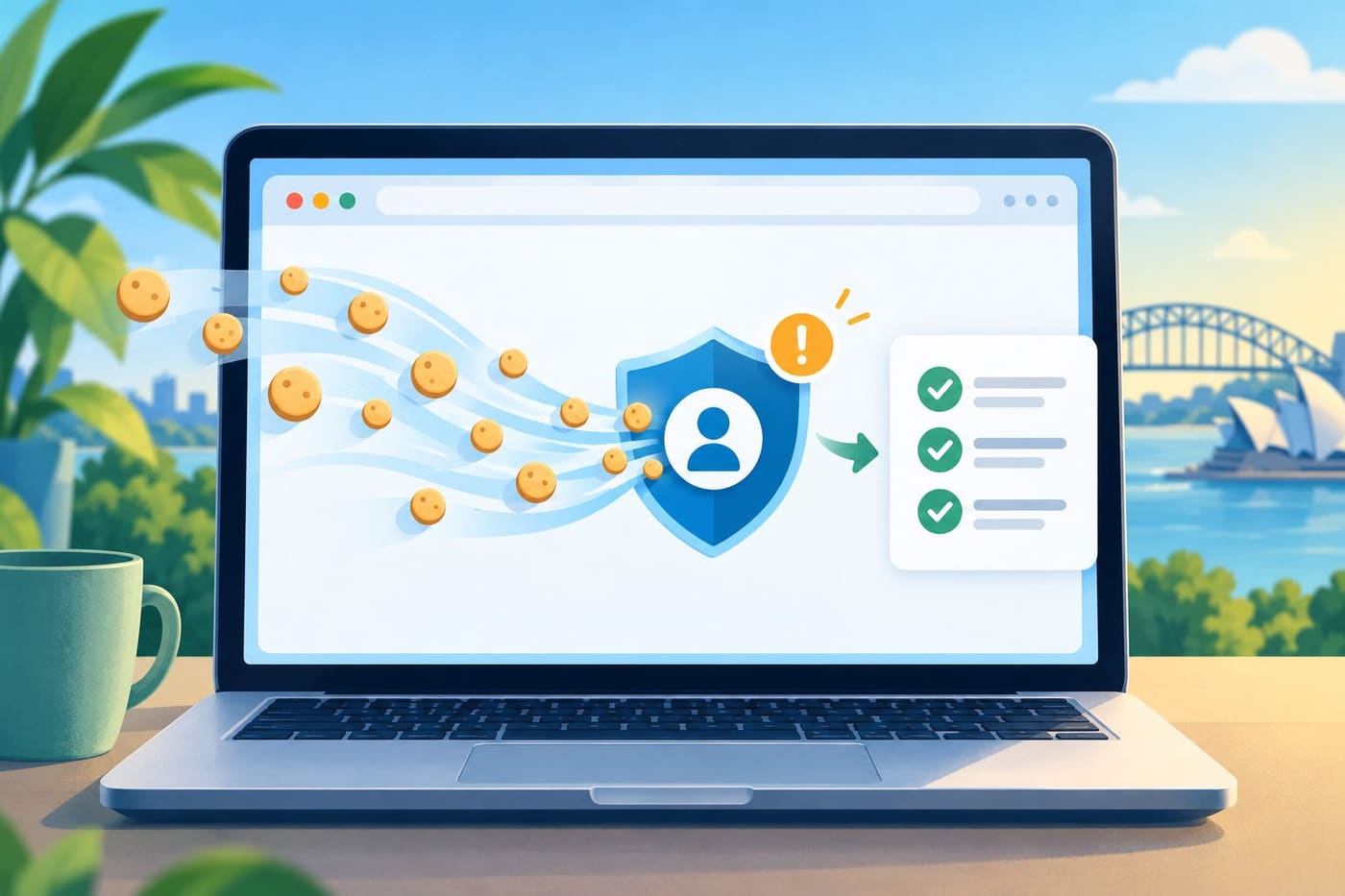
Websites can ask browsers to retain small values and return them on later requests to the same site. The IETF’s HTTP cookie standard describes this as one way servers maintain state across otherwise separate requests. A site might use that state for a language preference or shopping basket; a session-related value can also help maintain the fact that you have already signed in. That second use explains why a story about “cookie theft” can sound more alarming than a stolen password: a stolen, still-valid session token may let someone act as an already-authenticated user. Australia’s cyber agency warns that stolen authentication artefacts can sometimes be replayed to bypass controls such as multi-factor authentication. That is a reason to respond promptly to suspicious account activity, not a reason to panic at every cookie prompt.
This guide explains the basic idea without describing ways to steal or use session tokens. It focuses on practical steps for Australian readers: securing a trusted device, reviewing active sessions, changing exposed passwords, checking account recovery settings and reporting a compromise. The exact controls differ by service, so the account provider’s own recovery instructions should take priority. Research checked 25–26 October 2026.
What a browser cookie does
The IETF standard defines this exchange through HTTP response and request headers: a server can set a value, and the browser can later return it when a request matches the cookie’s scope. A site might use this mechanism to remember a language choice, keep a shopping basket available or maintain a sign-in session. Those uses have different security implications. A preference cookie is not equivalent to an authentication value that helps a service recognise a signed-in session.
When you sign in, the service checks your credentials and any required second factor. It can then issue session information so that you do not have to repeat the full sign-in process on every page. In many services, the browser holds a token or identifier associated with that session. If an attacker obtains a valid session artefact, they may be able to impersonate the signed-in session until the service expires or revokes it. The attacker may not need to know the password to use that already-authorised session.
The Australian Signals Directorate’s September 2026 system-access guidance uses the broader term “authentication artefacts.” It explains that adversaries may capture and replay these artefacts, potentially bypassing authentication measures including multi-factor authentication. The guidance is written for system security and organisations, but the core distinction is useful for personal accounts: a password is one way to establish identity; a session token is part of what a service uses to maintain an authenticated state afterward.
What “cookie theft” does—and does not—mean
The phrase can cover more than one scenario. A browser may store site data for routine functions, while a session cookie or similar token represents an active login. Reports about cookie theft usually refer to the second category: an authentication session being exposed and reused. That does not mean every cookie contains a password, nor that every cookie stored by a browser gives access to an account.
The Australian Cyber Security Centre describes compromise in practical terms: unexpected password-reset messages, unexplained sign-outs, unfamiliar activity or login records, and messages sent from your account that you did not write can all be warning signs. None is conclusive on its own. A new browser, travel, shared device or normal background synchronisation can create activity that looks unfamiliar. Use the provider’s security page to check the details rather than relying on a location label or email link alone.
The key risk is account access, not the cookie file as an abstract object. A criminal with a valid session might be able to read information, change settings or send messages depending on the service and the permissions attached to that account. The scope varies. A compromised email account deserves particular attention because it can be used to reset other accounts. A shopping account, work account and social account each have different consequences and recovery paths.
Why multi-factor authentication still matters
Multi-factor authentication (MFA) adds another check when an account is being signed into. It makes password-only attacks harder and is an important protection recommended by the ACSC. But MFA is not a universal undo button for a session that has already been authenticated. If an authentication artefact is stolen after sign-in, it may be possible to reuse that session without repeating the original login challenge. The ACSC’s system-access guidance specifically warns that captured authentication artefacts can be replayed to bypass MFA.
That does not make MFA pointless. It still reduces the risk of someone signing in with only a password, and passkeys can offer stronger phishing resistance where a provider supports them. The useful mental model is “layers, plus session recovery”: use MFA or a passkey to protect the sign-in, keep devices and browsers updated, and know how to revoke active sessions if a device or account is compromised.
MFA methods also differ. A prompt, authenticator application, security key and passkey do not work in exactly the same way. The ACSC recommends enabling MFA on important accounts and keeping recovery methods secure. A well-protected primary email account is especially valuable because password resets for other services often arrive there. If your email account is compromised, treat it as a priority and check connected financial, cloud-storage and social accounts afterward.
First response: use a trusted device and official account page
If you suspect an account has been accessed without permission, start from a device you trust and open the service’s official app or type its known web address yourself. Do not use a password-reset link from an unexpected message. The ACSC advises people recovering a compromised account to use the provider’s official website or app when changing a password, because fake links can create a second compromise.
Then work through the provider’s security or account-recovery page. The labels vary, but look for recent security activity, signed-in devices or sessions, recovery details, connected applications and authentication methods. If the provider offers “sign out of all devices” or a similar option, use it when appropriate. Some services let you end one session at a time; others invalidate a broader set of sessions after a password change. Do not assume every provider handles this in the same way.
For a Google Account, the official device page lets you review computers, phones and sessions that have recently accessed the account and sign out of devices you no longer own or do not recognise. Google notes that multiple sessions can legitimately appear for one device—for example, after signing in through a new browser, app or private window. Review the context before treating every unfamiliar-looking entry as an intruder.
A practical account-recovery checklist
If the compromised account can spend money or contains payment details, contact your bank immediately through a trusted channel. Do this before working through a longer recovery checklist. Otherwise, use this order as a starting point, adapting it to the service’s own instructions:
1. Secure the account you rely on for recovery. If your primary email may be compromised, start there from a trusted device.
2. Change an exposed or reused password. Choose a new, unique password through the official service. If you reused it elsewhere, change those accounts too.
3. End unfamiliar sessions. Review devices and sessions, then sign out of ones you cannot verify. Use the provider’s all-session option if offered and suitable.
4. Check recovery information. Confirm the recovery email, phone number and other methods are yours. Remove unrecognised options and restore correct contact details.
5. Review MFA and passkeys. Remove methods you did not add. Add a strong supported method and store recovery codes safely.
6. Check connected apps and account rules. Revoke access you do not recognise. For email, review forwarding rules, filters and delegates that could silently keep copies or redirect messages.
7. Inspect recent activity. Look for sent messages, changed settings, new payment methods, password resets or unfamiliar purchases. Contact the provider or bank through a known channel if money is involved.
8. Check the device. If you suspect malware or an unsafe extension, follow the operating system or security provider’s trusted recovery guidance before signing in again.
These steps are not a guarantee that every token has been revoked. Session invalidation is controlled by each service, and some changes may take time. The ACSC says changing a password may sign out other devices in many cases, but account providers can differ. If the account still shows suspicious activity, contact the provider’s official support and keep a note of what you changed and when.
How to interpret device and session lists
A session is a period in which an app, browser or service remains signed in. It is not always a one-to-one record of a physical device. Google explains that a separate session may be created when a person uses a new browser or app, re-enters a password, grants an application access, or signs in through an incognito or private window. Background syncing can also make the “last active” time look more recent than the last time you consciously opened the service.
Use several clues together: device type, browser, approximate time, whether you were travelling and whether you used a shared computer. If you still cannot identify a session, signing it out is generally safer than leaving an unknown session active. If you are unsure whether the account itself has been accessed, use the provider’s security-checkup process. Do not post screenshots containing email addresses, recovery details or device identifiers in public forums.
Prevention that helps without promising perfection
Keep your operating system, browser and security software updated. Remove browser extensions you do not need, and install extensions only from sources you trust. Avoid signing into sensitive accounts on devices you cannot control. When using a shared computer, sign out and close the private browsing session; clearing cookies can remove local site data, but it does not necessarily revoke a session token already copied elsewhere. For that, use the account provider’s session-management controls.
Use a password manager to create unique passwords and protect the manager itself with MFA where available. Turn on MFA or a passkey for important services. Keep recovery email and phone information current, and store backup codes somewhere safe rather than in the same account they are meant to recover. These steps reduce common routes into accounts, but they cannot guarantee that a device or session will never be compromised.
Be cautious with unexpected “security alert” messages. Attackers can imitate account-provider notices. Instead of clicking a link in the message, open the provider’s app or type its address and inspect recent activity there. The ACSC and Google both advise checking suspicious activity through official account settings. If the alert is legitimate, the account page should provide a route to review and secure the account.
When to report and ask for help in Australia
If someone has taken over an account, the ACSC recommends contacting the provider, securing connected accounts and reporting cybercrime through ReportCyber where appropriate. If the incident involves a scam, Scamwatch may also be relevant. If money or banking access is at risk, contact your bank using the number or app you already trust rather than a number supplied in an unexpected message.
The Australian Cyber Security Hotline is listed by the ACSC as 1300 CYBER1 (1300 292 371). Use official ACSC guidance for the current reporting route and the provider’s own account-recovery steps. If a work account is involved, tell your organisation’s IT or security team promptly; they may be able to revoke sessions centrally and check for related access. Do not try to investigate by opening suspicious files or forwarding sensitive login data.
For prevention before an account is compromised, see our related guide to checking suspicious messages: https://monetizearticle.com/article/suspicious-email-a-practical-guide-to-checking-and-responding-to-phishing-3815d7 . It covers message assessment; the session-recovery steps here address access that may already have occurred.
Conclusion
Cookie theft is most concerning when it involves an active authentication session, not ordinary site preferences. A valid session token can sometimes let an attacker act as a signed-in user, which is why MFA should be combined with device security and a clear recovery plan. Australia’s cyber agency advises checking for unfamiliar activity, changing exposed credentials, signing out of sessions and reviewing recovery methods. The exact steps differ by provider, so use its official account page and current instructions.
If a warning appears, do not panic or click through an unsolicited message. Open the service directly on a trusted device, check the sessions, revoke what you cannot verify and secure the accounts connected to your email. That is a more useful response than deleting every browser cookie while leaving a suspicious session active.
Sources and research notes
- Australian Cyber Security Centre, “Recovering a compromised online account”: https://www.cyber.gov.au/recovering-a-compromised-online-account
- Australian Signals Directorate / ACSC, “Guidelines for system access,” September 2026: https://www.cyber.gov.au/ism/2026-09/guidelines-for-system-access
- Internet Engineering Task Force, RFC 6265, “HTTP State Management Mechanism”: https://www.rfc-editor.org/rfc/rfc6265.html
- Google Account Help, “See devices with account access”: https://support.google.com/accounts/answer/3067630?hl=en
- Google Account Help, “Protect your account if there’s unfamiliar activity”: https://support.google.com/accounts/answer/7305876?hl=en
- Google Trends Australia RSS snapshot `trends-AU-1504.xml`, approximately 15:04 Dhaka on 25 October 2026, lists “theft” at approximate 500+ traffic and includes a current report about cookie theft. Trends is a discovery signal, not proof of why people searched.
- The associated news coverage is used as trend context, not as the sole basis for recovery advice. Guidance above is linked to Australian government and account-provider sources.
Research checked 25–26 October 2026. Two limited exact-phrase web searches returned generic cookie-definition pages for one initial explanatory sentence; that sentence was rewritten and the IETF standard added as the primary technical reference. The follow-up is a limited spot-check, not a comprehensive plagiarism scan. Original AI-assisted editorial text. The accompanying browser-and-shield image is a conceptual illustration generated for this article, not a screenshot or depiction of a real account incident.