
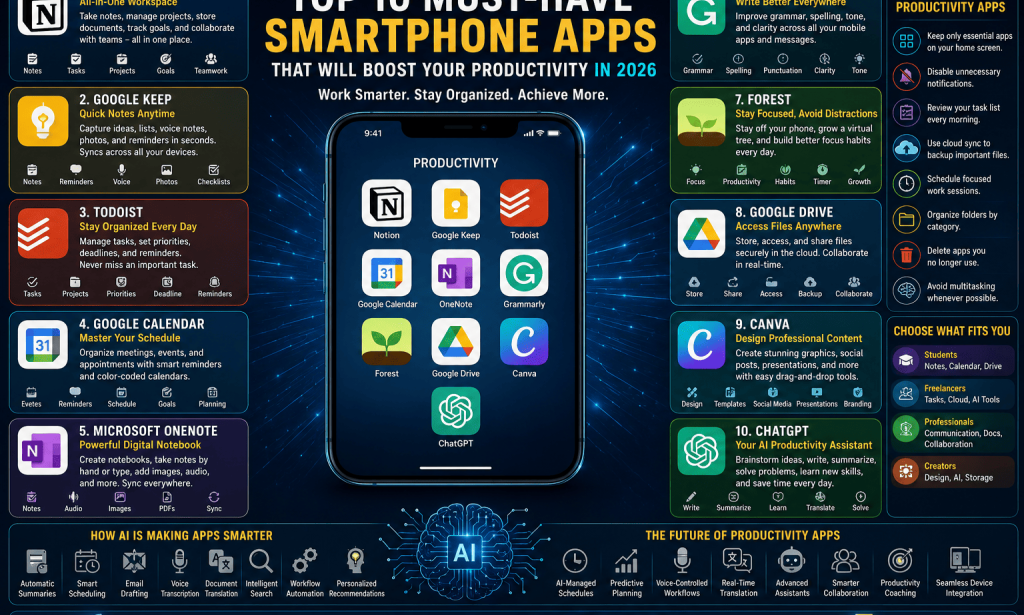
Top 10 Must-Have Smartphone Apps That Will Boost Your Productivity in 2026
In today's fast-paced digital world, smartphones are much more than devices for making calls or browsing social media. They have become portable workstations that help people manage projects, communicate with teams, take notes, organize schedules, and even automate repetitive tasks.
The difference between a productive day and a chaotic one often comes down to how effectively you use your smartphone. With thousands of productivity apps available on Android and iPhone, choosing the right ones can feel overwhelming.
Fortunately, many of the best apps in 2026 combine artificial intelligence, cloud synchronization, and user-friendly design to help users work smarter instead of harder.
Here are ten must-have smartphone apps that can improve your productivity, whether you're studying for exams, managing a business, or working remotely.
1. Notion – Your All-in-One Digital Workspace
Notion has become one of the most popular productivity apps in the world because it combines multiple tools into one platform.
Instead of switching between note-taking apps, task managers, calendars, and databases, users can organize everything in one workspace.
With Notion you can:
- Take detailed notes
- Create to-do lists
- Manage projects
- Store documents
- Plan goals
- Track habits
- Collaborate with teams
Its AI-powered writing assistant can summarize information, generate ideas, and improve documents, making daily work much faster.
2. Google Keep – Quick Notes Anytime
Sometimes productivity is simply about remembering ideas before you forget them.
Google Keep allows users to quickly save:
- Shopping lists
- Meeting notes
- Voice recordings
- Photos
- Reminders
- Checklists
Everything automatically syncs across devices through your Google account.
Its simple interface makes it one of the fastest note-taking apps available.
3. Todoist – Stay Organized Every Day
Managing multiple tasks can quickly become stressful without a proper system.
Todoist helps users organize daily responsibilities through:
- Task lists
- Project folders
- Priority levels
- Deadlines
- Recurring reminders
Whether you're managing school assignments or business projects, Todoist helps ensure that nothing gets forgotten.
Its clean interface makes planning your day both easy and enjoyable.
4. Google Calendar – Master Your Schedule
Time management is one of the most important productivity skills.
Google Calendar helps users organize:
- Meetings
- Study sessions
- Appointments
- Personal events
- Work schedules
- Travel plans
Smart reminders ensure important events aren't missed.
Color-coded calendars also make it easier to separate work, personal life, education, and fitness schedules.
5. Microsoft OneNote – Powerful Digital Notebook
For users who take detailed notes, Microsoft OneNote remains one of the best options available.
You can create:
- Subject notebooks
- Research folders
- Lecture notes
- Business plans
- Meeting summaries
The app supports handwritten notes, images, PDFs, and audio recordings, making it ideal for students and professionals alike.
Everything syncs across your phone, tablet, and computer.
6. Grammarly Keyboard – Write Better Everywhere
Whether you're writing emails, reports, or social media posts, good communication matters.
Grammarly Keyboard helps improve:
- Grammar
- Spelling
- Punctuation
- Sentence clarity
- Writing tone
It works across most mobile applications, helping users write professionally without switching apps.
This is especially useful for freelancers, marketers, and business professionals.
7. Forest – Stay Focused and Avoid Distractions
One of the biggest productivity challenges today is smartphone addiction.
Forest offers a creative solution.
When you start a focus session, the app plants a virtual tree.
If you leave the app to browse social media before the timer finishes, your tree dies.
This simple concept encourages users to stay focused while studying or working.
Over time, users can grow an entire virtual forest representing their productive hours.
8. Google Drive – Access Files Anywhere
Cloud storage has become essential for modern productivity.
Google Drive allows users to securely store:
- Documents
- Presentations
- Videos
- Photos
- PDFs
- Spreadsheets
Files remain accessible from smartphones, tablets, and computers.
Real-time collaboration also makes teamwork much easier.
Instead of sending multiple email attachments, everyone can work on the same document simultaneously.
9. Canva – Design Professional Content on Mobile
Productivity isn't just about writing documents.
Many professionals also need to create visual content.
Canva makes graphic design simple, even for beginners.
You can create:
- Social media posts
- Presentations
- Posters
- YouTube thumbnails
- Business cards
- Marketing materials
AI-powered design suggestions help users create attractive visuals within minutes.
This app is especially valuable for content creators, marketers, teachers, and entrepreneurs.
10. ChatGPT – Your AI Productivity Assistant
Artificial intelligence has become one of the biggest productivity breakthroughs in recent years.
ChatGPT helps users:
- Brainstorm ideas
- Write emails
- Summarize articles
- Generate reports
- Learn new skills
- Solve coding problems
- Translate languages
- Explain complex topics
Instead of spending hours searching for information, users can receive organized responses within seconds.
When combined with critical thinking and fact-checking, AI assistants significantly improve efficiency.
How AI Is Making Productivity Apps Smarter
Artificial intelligence is transforming productivity apps in ways that were unimaginable just a few years ago.
Modern AI features include:
- Automatic meeting summaries
- Smart scheduling
- Email drafting
- Voice transcription
- Document translation
- Intelligent search
- Workflow automation
- Personalized recommendations
These tools reduce repetitive work and allow users to focus on more meaningful tasks.
Tips for Getting the Most Out of Productivity Apps
Simply installing productivity apps isn't enough.
To maximize their benefits:
- Keep only essential apps on your home screen.
- Disable unnecessary notifications.
- Review your task list every morning.
- Use cloud synchronization to back up important files.
- Schedule focused work sessions.
- Organize folders by category.
- Regularly delete apps you no longer use.
- Avoid multitasking whenever possible.
Consistency is more important than downloading dozens of different apps.
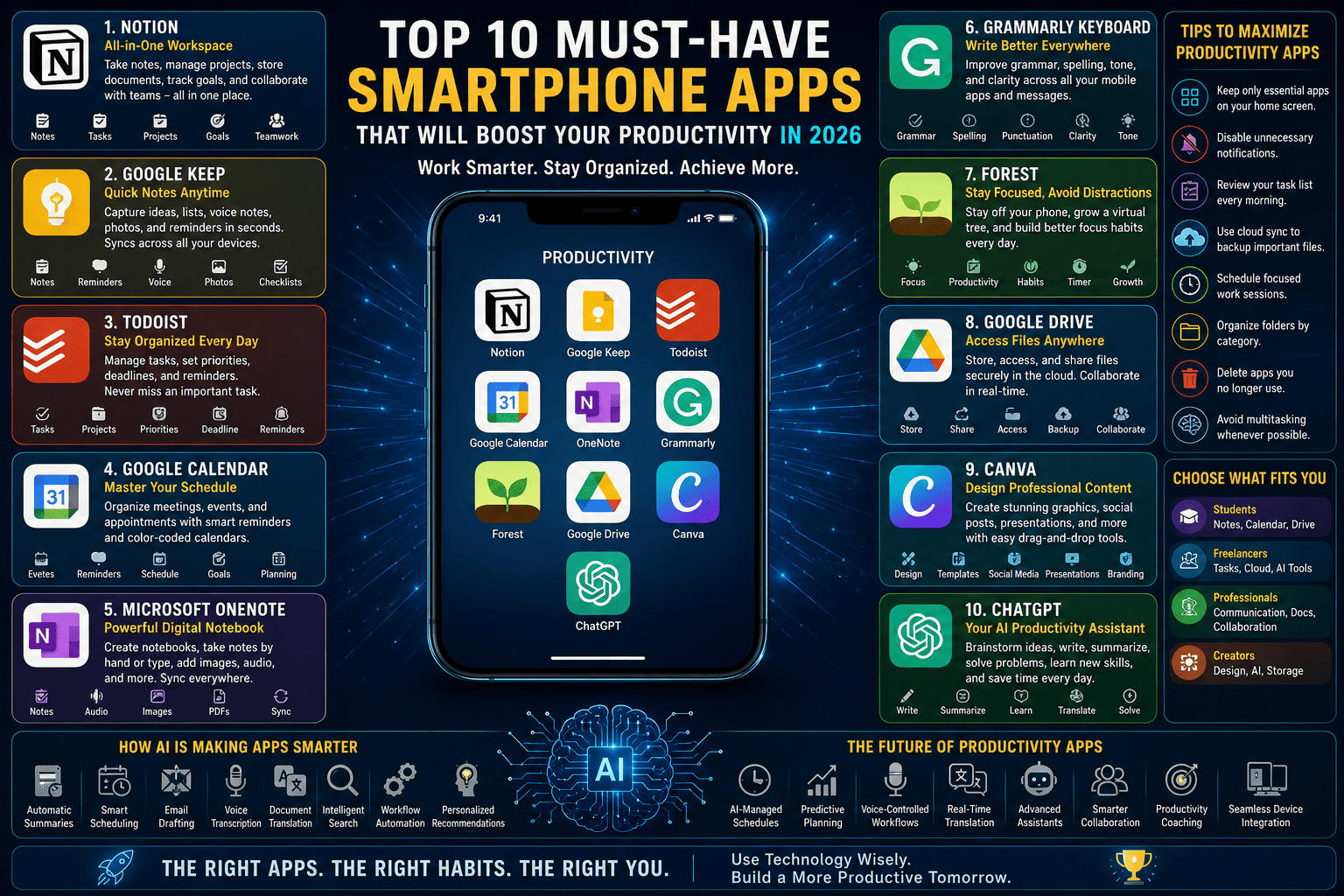 Choosing the Right Productivity Apps
Different users have different needs.
Students may benefit most from note-taking and scheduling apps.
Freelancers often rely on project management, cloud storage, and AI writing tools.
Business professionals typically prioritize communication, document editing, and collaboration platforms.
Content creators often combine design apps, AI assistants, and cloud storage to streamline their workflow.
The best productivity system is the one that fits your daily routine.
The Future of Productivity Apps
Looking beyond 2026, productivity apps will become even more intelligent.
Future innovations may include:
- Fully AI-managed schedules
- Predictive task planning
- Voice-controlled workflows
- Real-time language translation
- Advanced virtual assistants
- Smarter collaboration tools
- Personalized productivity coaching
- Deeper integration across devices
Rather than replacing human decision-making, these tools will act as intelligent assistants that help users work more efficiently.

You must be logged in to post a comment.