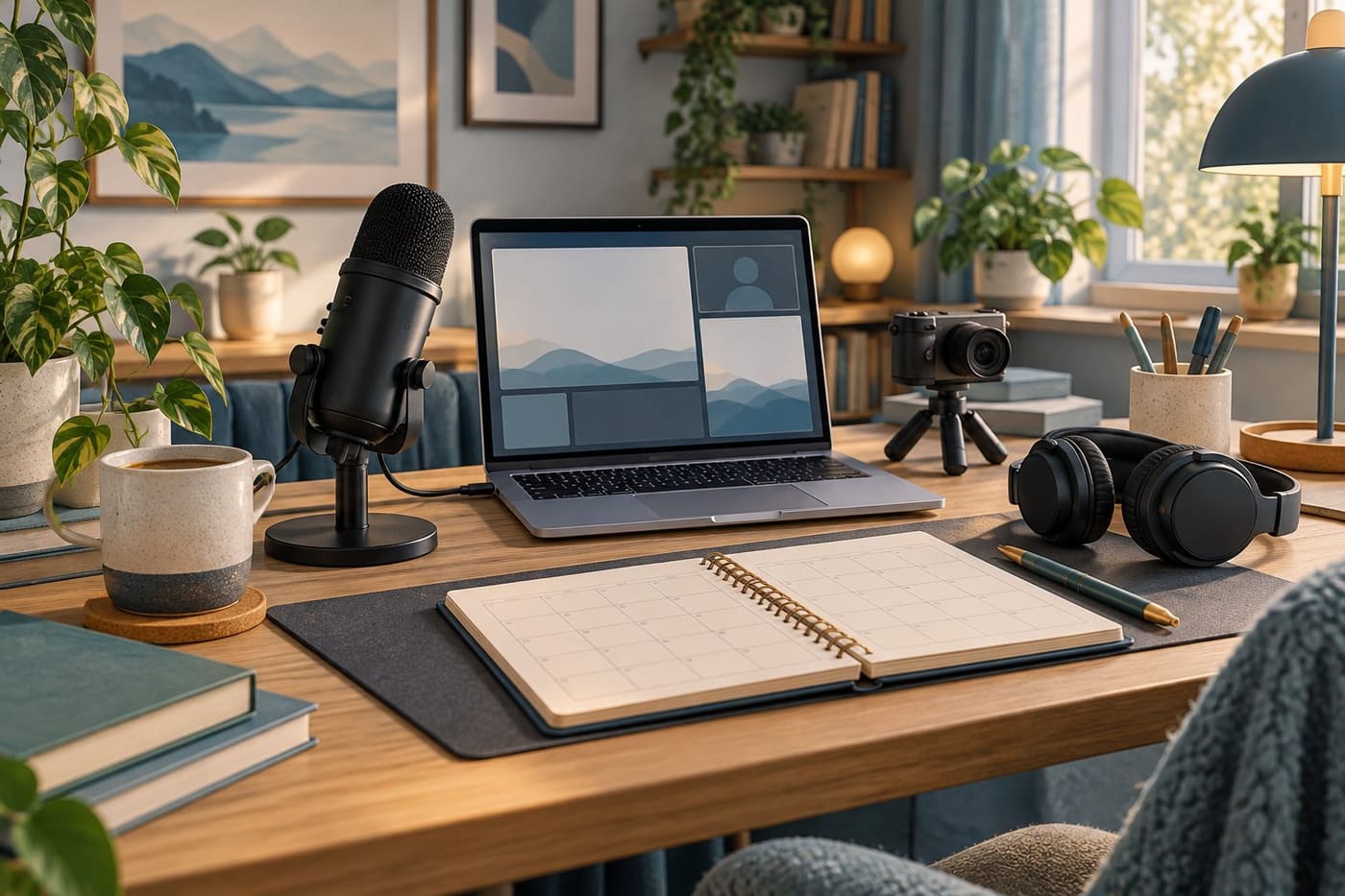
A livestream can look effortless from the audience's side. Someone starts talking, a game or creative project appears, and a chat develops around it. Behind that experience are decisions about preparation, sound, permissions, moderation, time and money. A new creator does not need to solve every possible problem before beginning, but should know which assumptions are being tested.
Twitch appeared in the Swiss Google Trends feed checked on 25 October 2026, with linked coverage discussing a footballer's move into streaming. This guide addresses the broader creator-business question that such stories raise. It does not assess that person's finances, intentions or career prospects. Nor does a trending platform name establish that starting a channel is a reliable source of income.
The plan below combines a few verified Twitch resources with our own practical planning exercises. The aim is a small, measurable first project: something you can deliver, evaluate and improve without treating equipment purchases or a celebrity example as a business model.
Start with a programme, not a shopping list
Describe the proposed stream in one sentence that tells a viewer what will happen. “I will explain my decisions while building a small illustration” is more useful than “I will make creative content.” The first version gives you a task to prepare and a reason for a viewer to stay. It also makes it easier to decide what belongs outside the episode.
Then identify what happens when nobody writes in chat. A new show needs a structure that works without an active audience supplying questions. Prepare a beginning, a main activity and an ending. Leave room for conversation, but do not make the entire plan depend on strangers rescuing a quiet moment.
Our suggested pilot brief has five fields: intended viewer, episode promise, materials required, approximate duration and one learning question. The learning question might be whether explanations are audible during the main activity, or whether the introduction makes the task understandable. It should be something you can inspect afterwards, not simply a wish to become popular.
Choose a format you can repeat
A one-off spectacular event and a repeatable weekly programme are different projects. For a first channel, repetition can make the work easier to evaluate. If every session changes its topic, length, equipment and presentation style, it becomes difficult to identify what caused a better or worse experience.
Consider a hypothetical creator who wants to stream drawing. The first pilot could focus on constructing one simple scene, with a short explanation at the start and a review at the end. A second pilot might keep that structure while improving the explanation of colour choices. The creator is testing a specific change rather than replacing the entire programme after one evening.
Repeatability also concerns preparation. Ask whether you can assemble the materials again next week, whether guests are essential, and whether the subject requires research you cannot complete reliably. A smaller format that you can prepare well gives you clearer evidence than an ambitious schedule that exists only on paper.
Test the experience before upgrading the equipment
Twitch's current [broadcast preparation lesson](https://www.twitch.tv/creatorcamp/en/level1/going-live/what-you-need-to-stream/) distinguishes bitrate, encoding, resolution, frame rate and audio quality. It also points creators to Twitch Inspector for investigating stream health. The lesson emphasises that setups differ; there is no single configuration that suits every computer.
Begin with an inventory of what you already have and what the programme actually needs. A talking demonstration needs intelligible speech. A detailed visual task needs the audience to see the relevant area clearly. Decorative lighting may be optional. This is an editorial prioritisation exercise, not a recommendation to buy a particular camera, microphone or computer.
Make a short test recording before a public session. Listen to it and check the main task at the size a viewer is likely to see. Look for a specific problem: speech drowned out by another sound, an important area hidden behind a panel, or a pause in which the audience cannot tell what is happening. Change one thing and test again.
Record the reason for any proposed purchase. “The current microphone cannot capture understandable speech in this room after placement tests” is a better explanation than “successful streamers have expensive microphones.” A purchase should solve an observed constraint. It should not become a substitute for deciding what the programme offers.
Learn the controls you will actually need
Twitch describes its [Creator Dashboard](https://www.twitch.tv/creatorcamp/en/level1/going-live/creator-dashboard/) as the place to manage channel content, settings, moderation and monetization. Its moderation controls include banned users, blocked terms and AutoMod. The dashboard also supports channel scheduling and tools for managing broadcasts and clips.
Do not try to memorise every menu before your first pilot. Instead, make a short operational checklist: where you manage the programme information, how you end a broadcast, where moderation settings are, and how you review the resulting content. Familiarity with those routes matters more than filling the screen with features you have not tested.
If another person is helping, agree on responsibilities beforehand. Who is watching chat? Who decides when to pause? Who will review the recording? Use the service's supported access controls and give only the access required for the role. Do not share private credentials casually because a deadline feels close. A collaborator should understand both the task and the boundaries.
Set expectations for the conversation
Write a few clear rules that fit the programme. A discussion about a creative process might welcome questions about technique while excluding personal attacks and requests for private information. Rules should be understandable to someone joining halfway through. A long statement that nobody can remember is less useful than a short set you can apply consistently.
Prepare for ordinary interruptions as well as bad behaviour. A viewer may ask a question you cannot answer, misunderstand the episode's purpose or request a different topic. You can acknowledge the question, explain the limit of the current session and return to the activity. Not every request requires an immediate change to the programme.
For our hypothetical drawing pilot, a suitable boundary might be that the session discusses the creator's own scene rather than evaluating viewers' private photographs. That is a format choice, not a universal platform requirement. Deciding it in advance reduces awkward improvisation and keeps the programme manageable for both creator and audience.
Keep a permissions record for every asset
Twitch's [copyright habits lesson](https://www.twitch.tv/creatorcamp/en/level1/copyrights-and-your-channel/resources-and-tools-to-help-streamers-build-good-habits/) recommends authorised music and original visual assets. It distinguishes automated audio detection from copyright strikes and DMCA notifications, and identifies Video Producer and Copyright Claims Manager as places to review relevant information. An automated outcome is not a substitute for understanding your permission to use material.
Our suggested asset record contains the item, its creator, the source of permission, the permitted uses and any expiry or restriction. Include overlays, sound effects, music, photographs and prepared video. If someone designs a visual for you, clarify the intended uses instead of assuming that receiving a file settles every question.
For an early pilot, fewer assets can mean fewer unresolved permissions. A clean scene using your own materials is easier to document than a complicated montage assembled from unfamiliar downloads. This is not a legal guarantee. Where rights or licence terms are uncertain, obtain clarification or qualified advice before relying on the material.
Keep the record with the project files so it survives a change of software or collaborator. A filename such as “free_music_final” is not an explanation of rights. The useful information is where the permission came from and what it covers. Do not interpret a lack of automated warnings as evidence that every use has been authorised.
Separate access to monetization tools from payout eligibility
Twitch's [May 2026 monetization update](https://blog.twitch.tv/en/2026/05/13/monetization-for-all) announced wider global access for eligible streamers to tools including subscriptions, Bits and Channel Points. It also distinguishes access to tools from eligibility to receive a payout, stating that Affiliate or Partner status is required for payout. Check the current requirements and onboarding information in your own dashboard.
The same announcement contains an older launch section alongside its newer update. Avoid treating every regional availability statement in that older section as a fresh October finding. This guide does not promise that a particular balance feature is available in Switzerland or that every account receives identical options.
For planning, keep three separate questions: can the account use a feature, has it generated revenue, and is any amount eligible to be paid out? These are not interchangeable. A visible control does not establish demand, and an estimated amount should not be treated as cash already received. Record what your actual account shows, together with the date and applicable terms.
Build a budget that can survive an unsuccessful pilot
Choose a spending limit before you are excited by a new accessory. Divide proposed costs into essential, useful later and unnecessary for this test. Include recurring commitments, not just the initial purchase. Also record preparation and review time so that the broadcast duration does not conceal the rest of the workload.
Here is a hypothetical planning example, not an earnings forecast. A creator sets aside four hours for an episode: one hour of preparation, ninety minutes for the broadcast, thirty minutes for setup and an hour for review and administration. If the available weekly time is only three hours, the plan needs adjustment before any assumption about audience growth enters the calculation.
Similarly, a small monthly software charge remains a cost when revenue is zero. Decide whether you can afford the experiment under that condition. Do not use a successful creator's income claim to fill the revenue column. Their audience, contracts, expenses and circumstances may be very different from yours, and this guide has not verified anyone's private accounts.
Choose measurements that answer a question
Twitch's [analytics lesson](https://www.twitch.tv/creatorcamp/en/level1/establish-your-brand/what-analytics-matter/) discusses followers, average viewership and revenue, and recommends looking across longer periods rather than expecting every result to rise. These measures can inform decisions, but a number without context is not a complete explanation of what happened during a programme.
For each pilot, keep a short note about the content, duration, technical interruptions and the single change being tested. Put the relevant dashboard figures beside that note. If a session was cut short by a connection problem, record it. Otherwise, a later comparison may mistake a technical interruption for a judgement on the topic.
Avoid turning one result into a universal rule. A higher figure on a different evening could have several explanations. The appropriate response may be to repeat a comparable session and observe again. A small experiment produces useful questions; it does not prove that you have discovered a guaranteed growth formula.
Review the recording as a programme
Watch the beginning and ask whether a new viewer could understand the promise. Review a section of the main activity and ask whether the explanation matches what appears on screen. Check the ending for a clear conclusion. These are our editorial review questions, separate from Twitch's statistical measures.
Write down one thing to keep and one thing to change. “Explain the task before opening the tool” is actionable. “Be more entertaining” is too broad to test. If the change requires more preparation time than you can afford, simplify the episode rather than adding another obligation that will be skipped next week.
Also decide which material should become an archive or clip. A live conversation can contain interruptions or information that deserves review before reuse. Check the platform's current publishing controls and your permissions record. An archive is another piece of published content, not merely a storage location that needs no attention.
A manageable first-project checklist
- Write one clear episode promise and choose a repeatable format.
- Test speech and the main visual task with existing equipment.
- Prepare a beginning, main activity and ending that do not depend on chat.
- Locate the essential dashboard and moderation controls.
- Document permissions for all prepared assets.
- Set a time budget and spending limit that assume no guaranteed income.
- Record one learning question and review it after the pilot.
The purpose is not to complete an elaborate business plan before making anything. It is to make the first attempt small enough that its lessons are understandable. Keep the useful parts, change an observed weakness and decide whether another pilot is worth the time.
Before you commit to a bigger schedule
A channel becomes more demanding when the schedule expands. Recheck whether preparation, moderation, asset management and review still fit the available hours. A promise to stream more often should follow evidence that the process is sustainable, not simply enthusiasm after one enjoyable session.
Starting carefully does not make the creative ambition smaller. It makes the next decision clearer. You will know what you can produce, what needs improvement, what it costs and which uncertainties remain. Those are stronger foundations than a room full of equipment or an income expectation borrowed from somebody else's headline.
Editorial note: Researched 25 October 2026 using Twitch's official Creator Camp and monetization announcement. This AI-assisted guide contains original planning examples, not personal streaming experience or income guarantees. Swiss search interest supplied the topic lead; no Swiss-specific payout or tax conclusion is made. The accompanying original generated image is a conceptual studio illustration. Similarity review was limited to selected web phrase searches, not a comprehensive plagiarism scan.