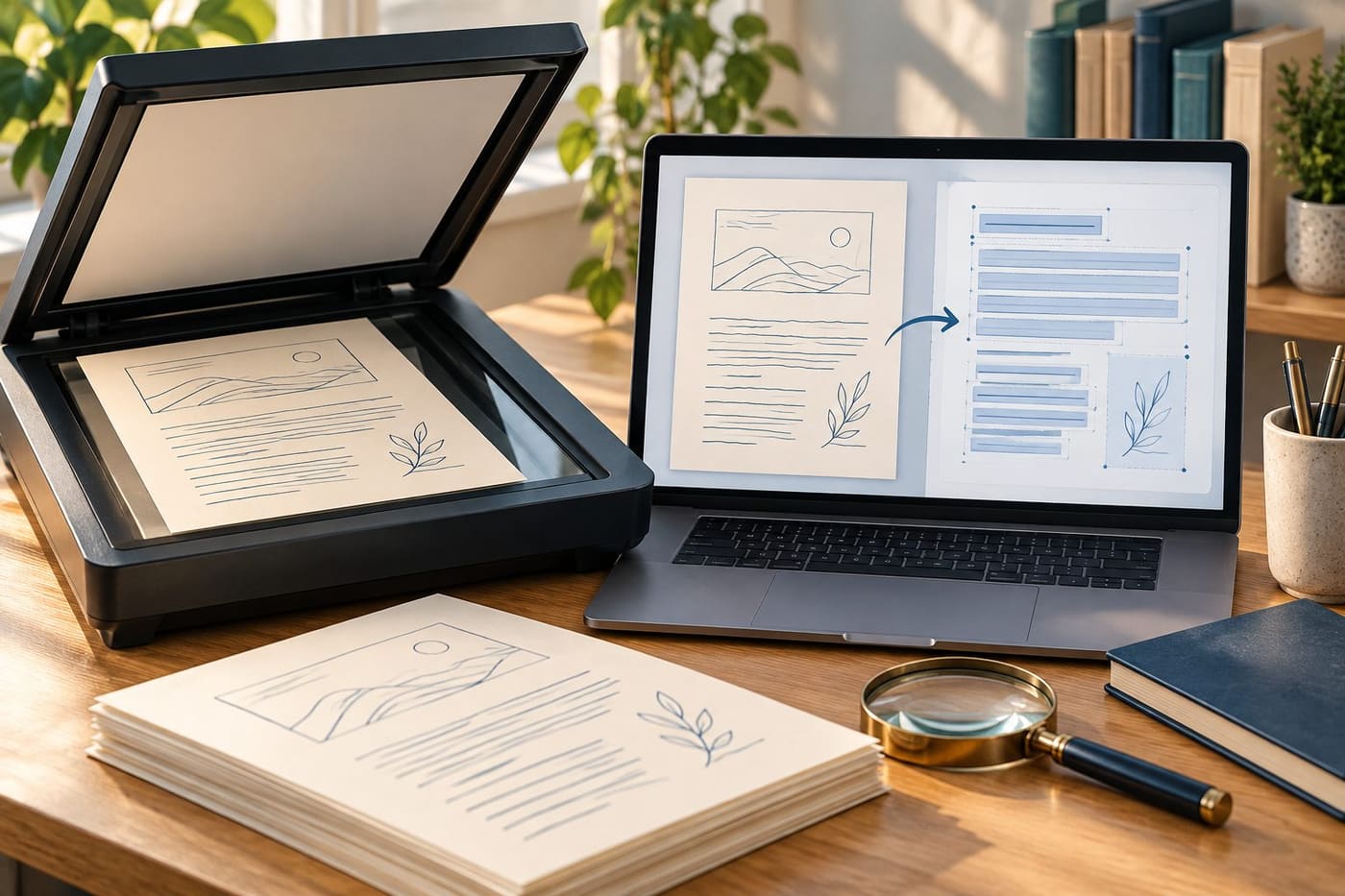
You open a PDF, can read every word on screen, and still cannot find a name with Search. Copying a paragraph produces nothing, or selecting it grabs a whole page as an image. The document may contain a picture of text rather than the text itself. Optical character recognition, usually called OCR, can help, but a successful conversion is only the beginning of a usable document.
The practical aim is to preserve the source, create a searchable working copy and check the parts that matter before relying on the result. That applies whether you are organizing family letters, preparing a meeting pack or extracting an old report. You do not need to turn every scan into an editable document, and you should not assume that searchability proves the words are correct.
Identify the problem before choosing a tool
Try selecting a short sentence in the PDF viewer you already use. Copy it into a plain text editor, then compare the pasted text with the visible sentence. Next, search for a distinctive word you can see on the page. These small checks can reveal whether text is available and whether it corresponds reasonably to the image.
Treat the results as clues. A failed search can also involve spelling, the wrong page, a viewer problem or restrictions on the file. A PDF may mix pages that already contain text with scanned pages that do not. Test more than the first page before deciding that the entire file needs the same treatment. Keep a note of what fails: selecting, searching, copying, editing or opening are different problems.
Understand what OCR adds
Adobe's guide to recognizing scanned text, checked on 2 November 2026, describes OCR as a way to turn image text into selectable, searchable text. Its workflow creates a searchable text layer. The original visual page and the recognized text are therefore useful to think about separately when checking the result.
For an ordinary reader, the key consequence is simple: a page can look convincing while the text you copy from it contains errors. OCR is recognition, not an independent source for what a document says. When a name, date or amount matters, compare it with the image. If that image is itself unclear, recognition cannot provide certainty that the source does not contain. Record uncertainty instead of silently choosing the most plausible word.
Preserve an unchanged original
Make a working copy before processing a file. Use filenames that make the relationship clear, such as an original scan and an OCR working copy, rather than several files called final. Put the original somewhere you will not accidentally save over it. Adobe also recommends keeping a backup before editing scanned material.
This is especially helpful when several operations follow each other: rotating pages, running recognition, exporting to a word processor and correcting text. If the last version is wrong, you need a way to identify where the change happened. Keep enough history to return to the source without reconstructing the process from memory. A copy in the same folder protects against some editing mistakes; it does not replace a separate recovery plan. Our guide to home backups and recovery checks discusses that separate issue.
Start with one representative page
Do not process a large collection immediately because the first page looks simple. Pick a page that represents the difficult parts: small print, columns, a table or a different language. Include a clearer page for comparison. A short trial can show whether the chosen process is suitable before you spend time organizing a large output.
For example, imagine a fictional forty-page club archive. Most pages are typed minutes, but several contain handwritten annotations and a few show receipts. Test those types separately. If the typed minutes work and the annotations do not, you have learned something useful about the scope of the result. You can make the minutes searchable while describing the annotations as untranscribed. That is more useful than labeling the whole collection perfectly converted.
Choose the recognition language deliberately
In the current Acrobat desktop workflow, Adobe tells users to select a page range and recognition language before running the operation. That setting belongs to recognition; it is not a request to translate the document. A French page recognized as French should remain French. Translating the text later is a separate step that needs its own meaning checks.
For a multilingual file, inspect how your chosen tool handles the relevant languages and mixed pages. Do not assume every language is supported by every edition or service. If the document has a name from another language inside otherwise English text, give that name special attention during review. An unfamiliar spelling can be correct, while an apparently familiar replacement can be a recognition mistake. Preserve names as written unless the source or an authorized correction establishes a change.
Improve the source when it is the real obstacle
Look at the page image before adjusting recognition settings repeatedly. Is part of the paper cut off? Is a fold hiding a word? Is the page rotated or photographed from an angle? If you still have the physical document and can handle it appropriately, making a better capture may help more than repeatedly processing an unreadable one.
Use Adobe's scanning documentation for the relevant product's capture workflow, rather than assuming every scanner has the same controls. This article does not prescribe a universal resolution or guarantee a quality threshold. The useful check is whether the smallest important text is visibly legible and complete in your saved image. Keep fragile or irreplaceable originals safe; an attempt to get a flatter page should not damage the document you are preserving.
Check numbers and identifiers individually
A word can be guessed from context, but an identifier often cannot. In a fictional reference such as AB-1048, every character may matter. A letter confused with a digit can still produce a neat-looking code. Compare important references character by character with the image instead of relying on a spellchecker.
Treat dates, quantities, decimal marks, minus signs and units as separate review targets. If a table contains 1.50, changing it to 150 alters the meaning substantially even though both look like numbers. These are illustrative error scenarios, not measurements of any product's accuracy. For information used in an important decision, obtain a reliable source record or appropriate review rather than treating unverified OCR as authoritative. A searchable archive can be useful without being certified as an exact transcription.
Read columns in the order they are copied
A page with two columns can look correct while copied text arrives in an unexpected order. Select a passage that crosses a column or section boundary, paste it into a plain text editor and read the sequence. Check that headings, captions and footnotes remain connected to the right material.
If the output merges two unrelated paragraphs, do not fix the wording by guessing a new sentence. Return to the page and reconstruct the order transparently in a separate edited copy, preserving the original. For an archive, you may decide that search plus page images is sufficient and avoid offering continuous extracted text at all. The right deliverable depends on the reader's task. Finding a page and publishing a clean, accessible transcription are different levels of work, even when both begin with the same scan.
Tables need a structure check
Recognized words are only part of a table. The relationship between a row label, a column heading and a value is also information. After copying a table, compare a few complete rows with the page image and confirm where blank cells, notes and merged headings belong. A file that contains all the digits can still put them in the wrong relationship.
For a fictional attendance register, check one person with a single entry, one with several entries and one with a blank. Do not automatically replace every blank with zero. A blank may mean missing, inapplicable or simply unrecorded, depending on the document. If the meaning is not defined, preserve that uncertainty. When you cannot reliably recover a table's structure, retain the image and describe the limitation rather than presenting an attractive spreadsheet as a verified dataset.
Export only when you need another format
Microsoft's PDF editing guidance for Word says conversion works best for mostly textual PDFs and warns that formatting or page correspondence can differ. Opening a PDF in a word processor is therefore a different operation from adding a searchable layer to a scan. Decide which outcome you actually need.
If the purpose is locating a phrase and viewing the original page, a searchable PDF may be enough. If you need a new editable report, work on a copy and review the resulting layout, headings and reading order. Do not assume that exporting to a document format preserves an original form, signature placement or page reference. Keep citations tied to the source page where appropriate, and distinguish your edited derivative from the original document rather than using identical filenames for both.
Respect privacy before using an online converter
Before uploading a document, consider what it contains and whether you are authorized to share it with the service. A routine-looking scan can include contact details, signatures or information about other people. Read the actual service's handling terms and your organization's rules rather than assuming every converter operates locally or deletes material immediately.
If you cannot establish that a service is suitable for the document, use an approved method or ask the responsible person to choose one. This is a workflow decision, not a claim that every online tool is unsafe. Also avoid treating a dark rectangle drawn over a name as proof that all underlying data are removed. If information must be redacted, follow an appropriate redaction process and verify the resulting file separately. Recognition and privacy review solve different problems.
Verify the saved file, not just the open window
After recognition and corrections, save the result, close it and reopen the saved copy. Repeat the original selection, search and copy tests. Check a page near the beginning, one in the middle and one near the end, including any page type that behaved differently during the trial. Confirm the filename and folder so you know which version passed the check.
Then test the actual use you intend. If you will email the PDF to a colleague, can it be opened in the intended viewer? If you will extract passages, do those passages retain their meaning and order? If you will distribute a transcription, does the review cover the whole transcription rather than a few sample pages? Sample checks can reveal defects, but they should not be described as complete verification of every character in a long archive.
Leave a useful handover note
A small note can explain what the file is without cluttering the document itself. Record the original filename, processing date, recognition language, pages processed and any unresolved areas. Distinguish a fully reviewed transcription from an automatically recognized working copy. Someone returning to the file later should not have to infer its reliability from the word final in its name.
For the fictional club archive, a truthful note might say that all typed pages are searchable, handwritten annotations remain image-only, and names on pages twelve and nineteen require checking against the original. This is an example of useful disclosure, not a prescribed archival standard. It lets readers benefit from the improved search while avoiding a false claim that every part of the collection has been verified. It also makes the next round of correction more focused.
Conclusion: searchable is a capability, not a quality certificate
OCR can make a scanned PDF much easier to use. The reliable workflow is to preserve the source, test representative material, recognize the relevant pages and check the saved output against the image. Give particular attention to identifiers, numbers, table relationships and reading order.
Stop when the file serves its intended purpose and its remaining limitations are clear. You may need a searchable archive, a carefully corrected transcript or an edited document; those are different deliverables. Choosing the right one keeps the work proportionate and makes the result more trustworthy than a conversion accepted simply because the progress bar reached the end.
Sources and research note
Research checked on 2 November 2026 using Adobe's OCR workflow and review instructions, scanning workflow and Microsoft's Word PDF conversion limitations. Interface details can change with the installed product and version. The archive, identifiers and tables described here are fictional teaching examples. No comparative product test, accuracy percentage, universal language support or archival certification is claimed. The accompanying image is an original conceptual illustration, not an actual software screen or a real person's document.